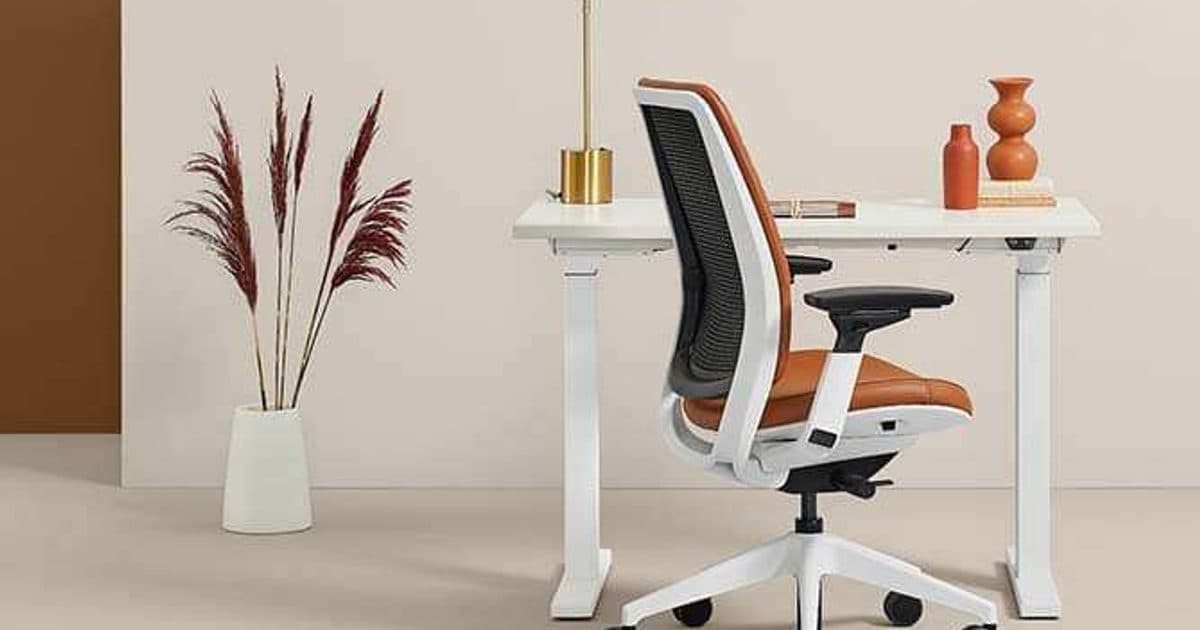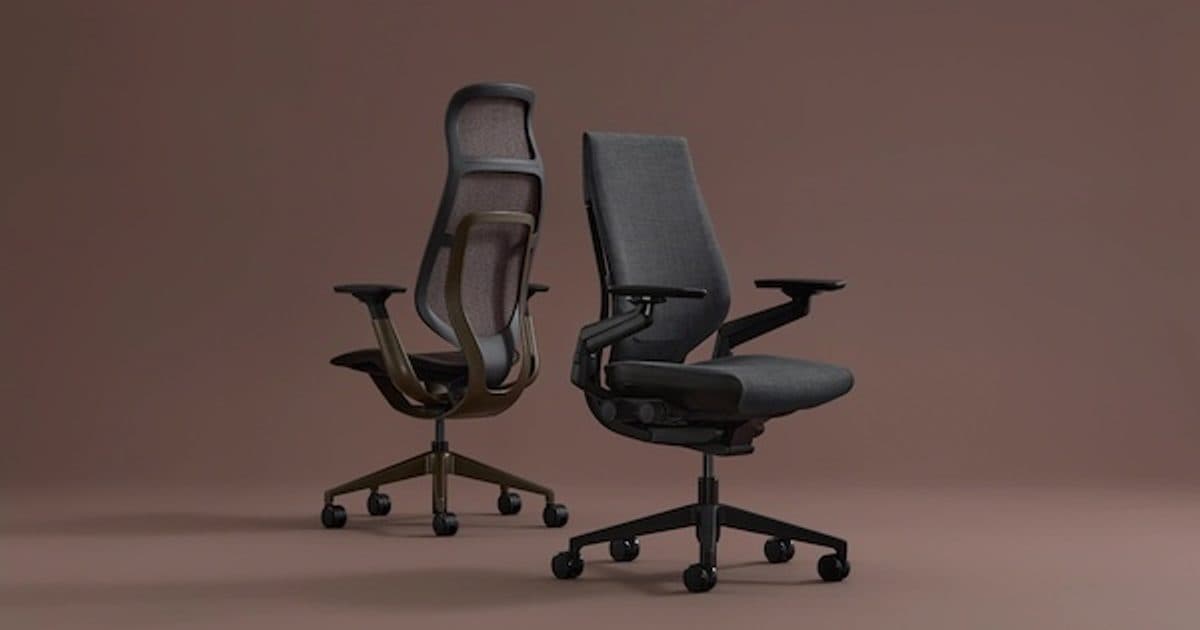
For regular desk work, choose a task chair that can be fitted to the employee and the workstation. A dining chair may serve a temporary purpose, but it should not become the default because it is already available. The useful comparison is what each chair allows a person to do at the desk.
For employers, that decision reaches beyond one purchase. Shared workstations, hybrid schedules and equipment requests need a consistent approach. Start with office ergonomics, then evaluate seating as part of the working setup.
Key Takeaways
- Choose seating around the actual work and workstation, not appearance alone.
- Test a shortlisted chair at a representative desk before specifying it for a team.
- Standardize the selection process while allowing for individual fit.
- Include setup guidance and a clear path for reporting problems after delivery.
What changes when a dining chair becomes a desk chair?
The question changes from whether a chair suits a room to whether it supports the work assigned to that setting. In its article on moving beyond a dining room chair, Steelcase distinguishes short-term seating from chairs designed for sustained work. It emphasizes adjustment and the relationship between seating and technology. That is a useful starting point for an employer evaluating improvised work arrangements.
Use the comparison below as a planning guide. It describes what to verify, not a test result for every chair in either category.
| Decision | Dining chair used at a desk | Adjustable office task chair |
|---|---|---|
| Matching the person to the desk | Check whether the existing dimensions work together | Check whether the available adjustment range reaches a workable fit |
| Moving between users | Reassess the setup for each person | Confirm that different users can find and operate the controls |
| Supporting the workday | Establish what tasks the setting can reasonably accommodate | Trial the chair during the tasks it is being considered for |
| Coordinating the room | Check clearance at the table and surrounding furniture | Check clearance at the workstation and room for movement |
| Planning ongoing use | Decide whether the arrangement is temporary | Document setup, service contacts and replacement requirements |
A chair's label does not complete this evaluation. The right category still needs the right specification.
Check the chair at the actual workstation
Chair selection and desk planning belong in the same conversation. The U.S. General Services Administration's workplace guidance recommends adjustable task chairs and furniture that can support different work settings. It identifies seat height, depth, tilt and arm adjustments as considerations.
Translate that advice into a simple selection exercise: place a sample chair at a desk representative of the proposed installation. Include the equipment people will actually use. A laptop alone and a monitor with a separate keyboard create different arrangements to evaluate.
Record the desk dimensions, equipment placement and any constraints before asking for feedback. Without that context, “this chair doesn't work” is too vague to guide the next decision. The problem might involve the chair, the work surface or how the equipment is arranged.
For a hypothetical shared workstation, one employee might report that the chair arms prevent them from approaching the desk. Another might have trouble finding an adjustment control. Those comments call for different responses. The first needs a fit review; the second may need clearer setup instruction.
The guide to ergonomic office furniture features explains the individual components. Use it to understand the terminology, then bring the conversation back to the complete workstation.
Run a focused seating pilot before a larger order
A small, structured pilot can make employee feedback more useful than an informal vote on the most comfortable sample. Treat the following as a suggested purchasing process, not a clinical assessment.
- Define the work. List the activities the chair must serve, such as concentrated computer work, calls and shared desk use. Identify which locations are included in the purchase.
- Choose representative participants. Include people who will actually use the seating and account for different workstation needs. Establish a separate route for individual requirements that a group trial cannot resolve.
- Keep the comparison consistent. Use the same desk and equipment arrangement when comparing chairs, unless a different workstation is part of the intended specification.
- Provide setup instructions. Ask the supplier to explain each sample's controls before collecting feedback. Do not treat unfamiliarity as a final verdict on fit.
- Collect specific observations. Ask what was difficult to adjust, what interfered with work and what remained unresolved. Record the chair configuration alongside each response.
- Close the loop. Review the findings with the people responsible for furniture selection and workplace planning. Confirm any changes before approving the order.
Agree on the pilot period and decision criteria in advance. Keep personal information out of general purchasing summaries; record the equipment requirement rather than private employee details.
Give hybrid teams a consistent equipment process
Consistency means applying the same selection principles across approved work settings. It does not require every employee to receive an identical chair.
For an employer supporting hybrid desk work, document who can request equipment, what information is needed and who evaluates the setup. Include an exception process when the standard selection does not fit. A clear process helps managers handle requests without making each one a new purchasing decision.
Also decide what happens when work arrangements change. Who tracks the chair? Where does it go when an employee changes roles? Who handles a service request? These are practical ownership questions to settle before equipment is distributed.
Within the office, connect the seating plan to space planning and design. A shared desk, enclosed focus room and short meeting setting have different purposes. Write those purposes into the furniture schedule so a chair selected for one use does not quietly become the answer for all three.
Finish with a specification people can use
Before ordering, create a short record for each approved chair: configuration, intended setting, setup instructions, service contact and any unresolved conditions. Keep the same record with the broader commercial furniture selection.
After delivery, make it easy for employees to raise a fit or adjustment issue. Assign someone to review those requests and check whether the equipment matches the approved specification. The purchase is only one step; the working arrangement is the outcome.
For businesses in Fort Myers, Sarasota and the surrounding Southwest Florida market, OFDC Commercial Interiors can help connect seating choices to the overall workplace design. Discuss your seating and workstation plans.